When someone searches “salon near me” or “CA in Mohali”, Google shows three businesses on the map before any website. Those three spots, called the Google Map Pack, get a large share of local calls, visits and enquiries. Your Google Business Profile (GBP), earlier called Google My Business (GMB), is the main way to earn one of them.
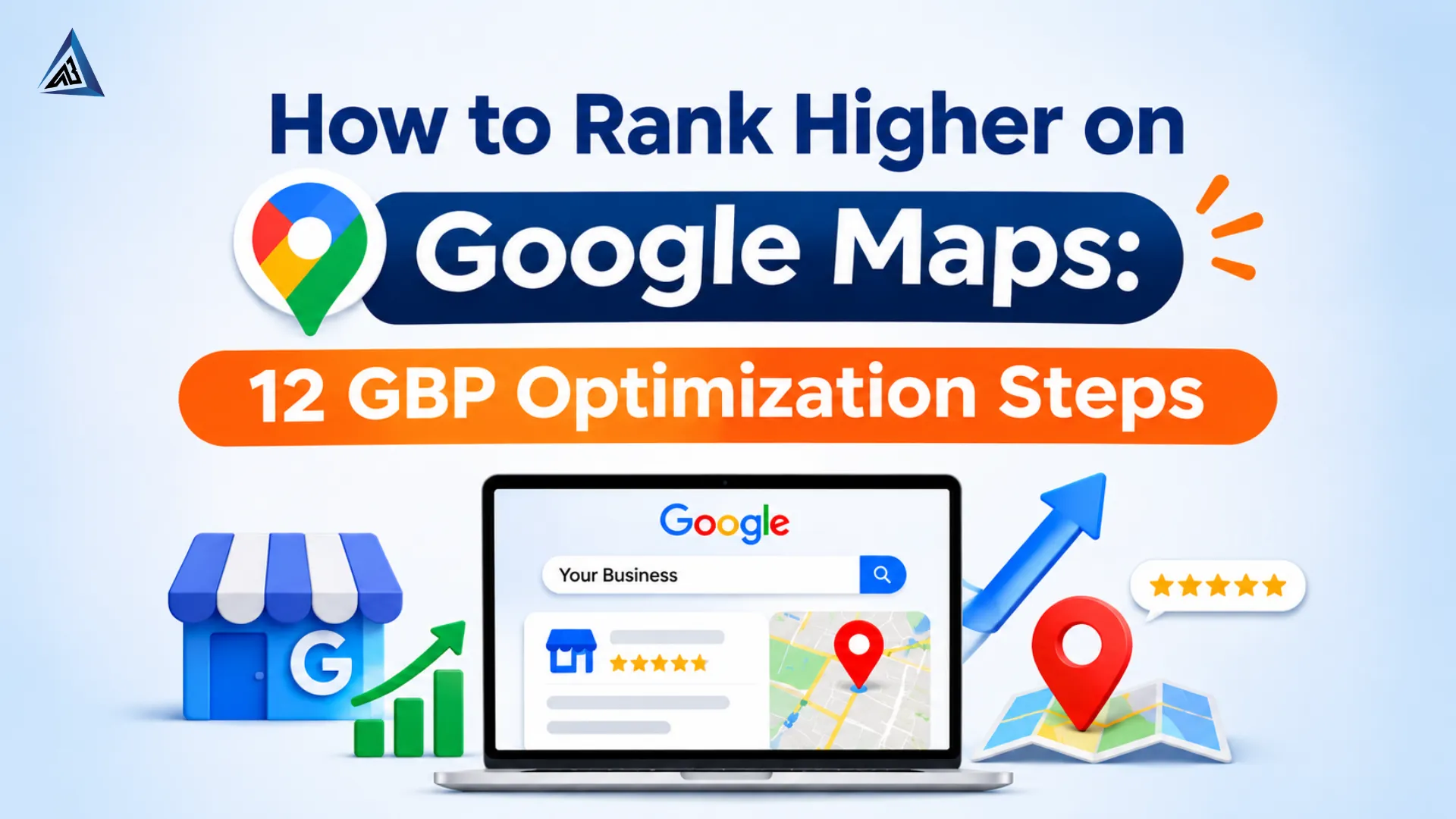
This guide gives you 12 steps to rank higher on Google Maps. If your profile is not appearing at all, start with our fix-it guide: Why Your Google Business Profile Isn’t Showing Up.
How Google Maps Ranking Works
Google says local results are based mainly on three things: relevance (how well your profile matches the search), distance (how close you are to the searcher) and prominence (how well known and trusted you are). You cannot change distance, but you can improve the other two with the steps below.
12 GBP Optimization Steps
1. Claim and verify your profile
Search your business name, claim the listing, and complete verification. An unverified profile will struggle to appear at all.
2. Choose the right primary category
Your primary category is one of the strongest relevance signals. Pick the most specific one, such as “Digital Marketing Agency” rather than “Business Service”. Add secondary categories only if they truly describe what you do.
3. Use your real business name
Use the name on your signboard and documents. Adding keywords such as “Best SEO Company Mohali” to your name breaks Google’s guidelines and can get the profile suspended.
4. Keep NAP consistent
Your Name, Address and Phone (NAP) must match your website, social profiles and directories exactly. Inconsistent details reduce trust.
5. Set accurate service areas and hours
If you travel to customers, add your service areas. Keep hours updated, including holidays, because wrong hours lead to bad reviews and fewer visits.
6. Write a complete business description
Use the full description space to explain your services, the areas you serve and what makes you different. Write naturally; do not stuff keywords.
7. Add all your services and products
List each service with a short description. This helps Google match you to more specific searches, such as “Google Ads management” or “logo design”.
8. Upload quality photos and videos regularly
Add photos of your storefront, team, work and products. Use original images, not stock. Professionally designed visuals also help, and our graphic design team can create branded images for your profile.
9. Collect reviews consistently
Reviews affect both ranking and conversions. Aim for steady, genuine reviews instead of a one-time burst. See our full guide: How to Get More Google Reviews Without Breaking the Rules.
10. Reply to every review
Responding shows you are active and builds trust with future customers. Learn how in How to Respond to Negative Google Reviews (with templates).
11. Post updates, offers and events
Google Posts keep your profile fresh. Share offers, new services, blog links and events at least a few times a month.
12. Connect your profile with a strong website
Link your profile to a fast, mobile-friendly website with a location page, embedded map and LocalBusiness schema. You can create the markup with our free Schema Generator and check your site with the Free SEO Audit Tool. Strong local SEO on your site strengthens your prominence on the map.
Common Mistakes to Avoid
- Keyword stuffing the business name
- Using a virtual office or fake address
- Creating duplicate listings
- Buying reviews or asking only happy customers to review
- Ignoring messages, questions and reviews
How Long Does It Take?
Small improvements such as photos and descriptions can be picked up quickly, but ranking gains usually build over weeks and months. Competition in your area matters, so expect a bigger challenge in busy markets.
Need Help Ranking on Google Maps?
Our team at Abir IT Solution, based in Mohali, helps local businesses optimize their profiles and grow through SEO. Contact us for a free profile audit.
Related reading: Profile not showing up | Get more Google reviews | Respond to negative reviews | How to Get More Customers Through SEO
FAQs
Google names relevance, distance and prominence as the main factors. Within your control, the right category, complete profile and genuine reviews matter most.
Yes. Google renamed Google My Business to Google Business Profile.
A website is not mandatory, but it strengthens your profile and gives Google more information about your business.
Service-area businesses can rank by hiding their address and listing the areas they serve, as long as they follow Google’s guidelines.