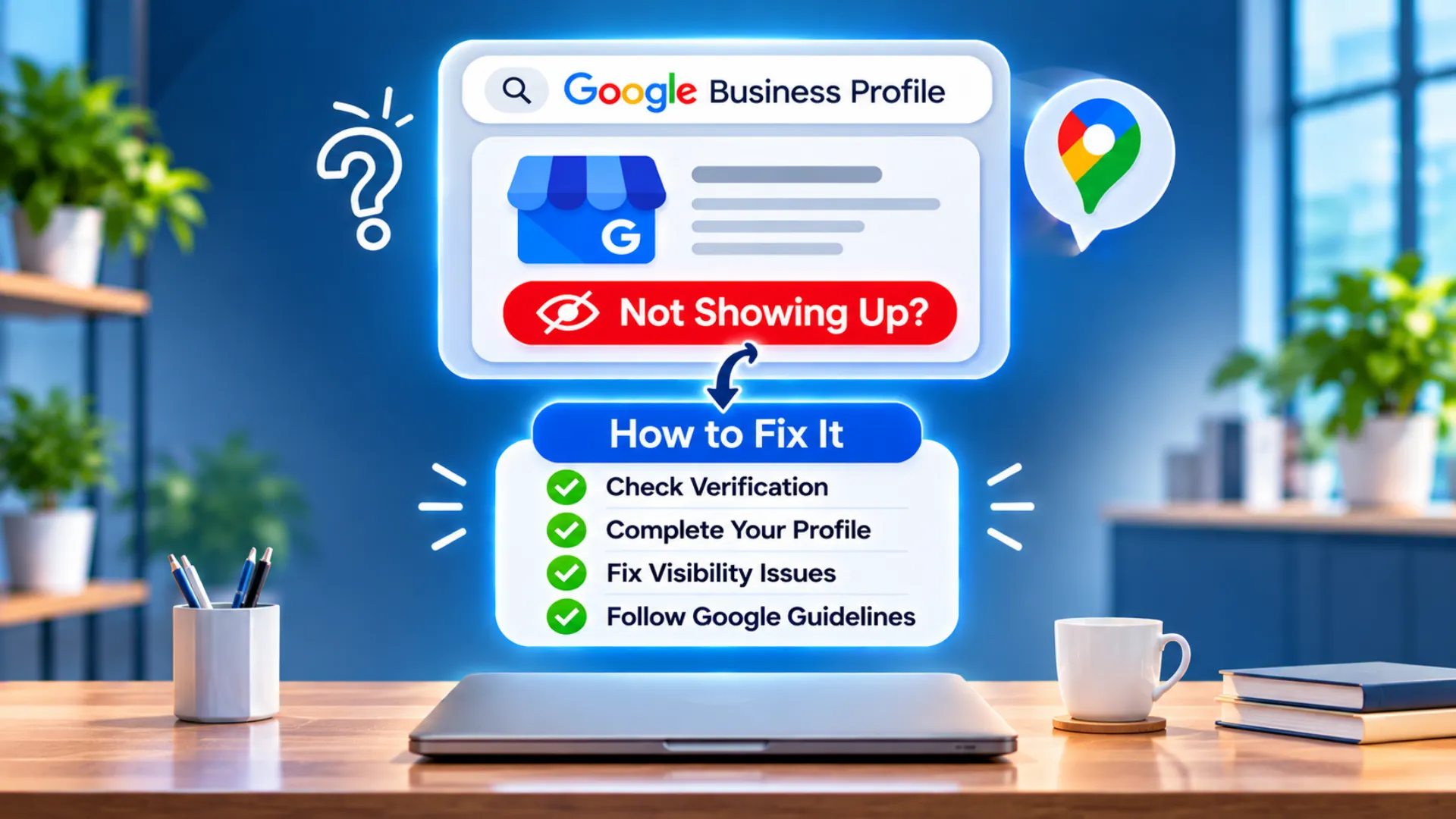
You set up your listing, but when you search your business name or service, nothing appears. A Google Business Profile not showing is one of the most common local SEO problems, and it usually has a clear cause. This guide helps you find it. Once your profile is visible, follow the 12 GBP optimization steps to climb higher.
First, Check How You're Searching
Search your exact business name plus your city. If it appears there but not for “service near me”, the issue is ranking, not visibility. If it does not appear even for your name, the issue is verification, suspension or a listing error.
10 Reasons Your Profile Isn't Showing
1. The profile is not verified
Unverified profiles have limited visibility. Complete verification from your Business Profile dashboard.
2. The profile is suspended
Google can suspend profiles for guideline violations such as fake addresses, keyword-stuffed names or misleading information. Check your dashboard for a notice, fix the issue and submit a reinstatement request.
3. The listing is brand new
New profiles and recent edits can take time to appear. Wait a few days before making repeated changes, because constant edits can trigger reviews.
4. Wrong or too many categories
A vague or incorrect primary category stops Google from matching you to searches. Choose the most specific option.
5. Incomplete profile
Missing services, description, hours or photos give Google less to work with. Complete every section.
6. Duplicate listings
Two profiles for one location can confuse Google and cause one to be filtered. Find and merge or remove duplicates.
7. Service-area setup errors
If you do not serve customers at your address, hide it and add service areas. Showing an address you cannot receive customers at causes problems.
8. Inconsistent NAP details
Different names, addresses or phone numbers across the web reduce trust. Align your details everywhere.
9. Local filters and competition
Google sometimes filters similar businesses in the same location. Strong competition also pushes weaker profiles down.
10. Weak website and local signals
A slow website with no location information and few citations gives Google little reason to rank you. Run the Free SEO Audit Tool to find site issues.
Quick Fix Checklist
- Confirm verification status
- Check for suspension notices
- Review category, name and address
- Search for duplicates
- Align NAP everywhere
- Add photos, services and hours
- Collect genuine reviews, as explained in How to Get More Google Reviews
Get Expert Help
If your profile is still invisible, our SEO team can audit and fix it. Contact Abir IT Solution.
Related reading: 12 GBP optimization steps (pillar guide) | Get more Google reviews | Respond to negative reviews
FAQs
The usual causes are missing verification, suspension, duplicate listings, wrong categories or a brand new listing.
It can take a few days after verification. If nothing appears after that, check for errors or suspension.
Yes, in many cases. Fix the guideline issue and submit a reinstatement request with accurate proof of your business.