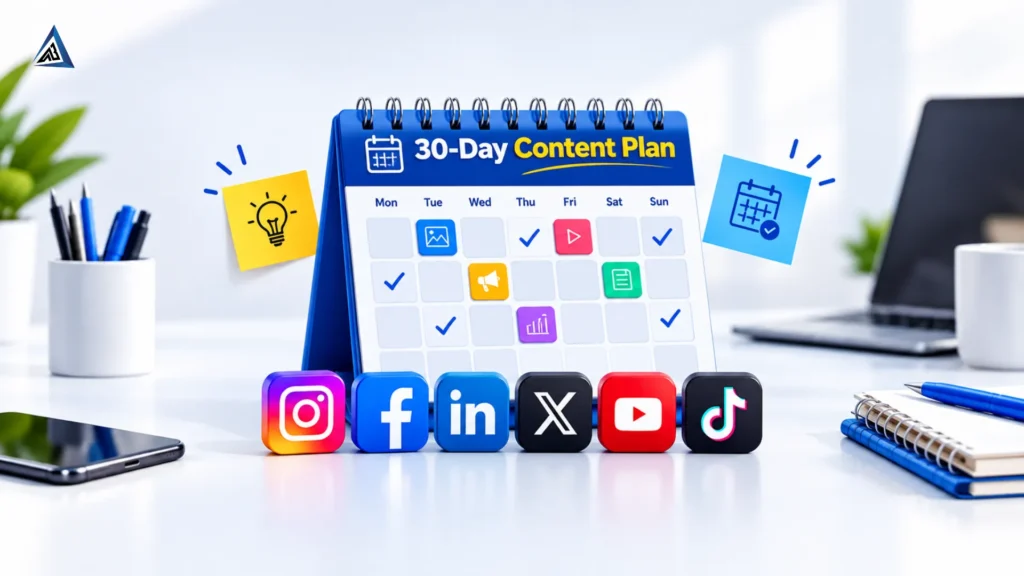
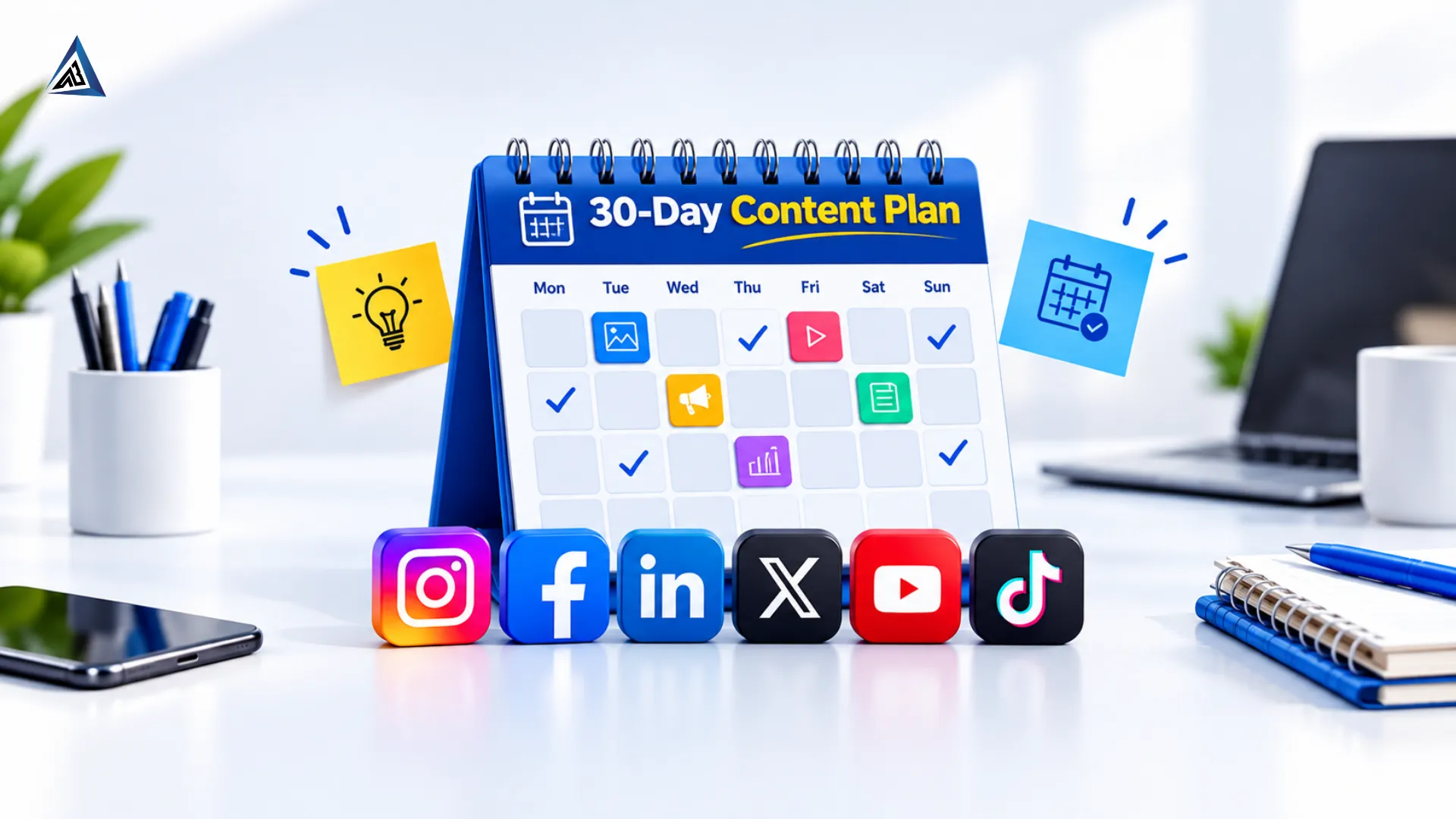
Most small businesses don’t fail at social media because of bad ideas. They fail because they post when they remember, say whatever comes to mind, and disappear for two weeks when work gets busy. A content calendar fixes this. It turns random posting into a repeatable system that builds trust, brings in leads and saves you hours every week.
In this guide, you’ll learn how to build a 30-day social media content calendar step by step, with a ready-to-use weekly structure you can copy today.
What Is a Social Media Content Calendar?
A social media content calendar is a plan that shows what you will post, where you will post it, and when. Each entry usually includes the date, platform, content type, topic, caption, creative (image or video) and call to action.
A 30-day calendar is the sweet spot for most businesses. It is long enough to test what works, and short enough to stay flexible.
Why You Need a 30-Day Content Calendar
- Consistency: Algorithms and audiences both reward brands that show up regularly.
- Better quality: Planning ahead means you write and design with a clear head, not in a last-minute rush.
- Balanced content: You avoid posting only promotions, which is one of the most common reasons audiences stop engaging.
- Easier teamwork: Designers, video editors and managers all know what is due and when.
- Measurable results: When every post has a goal, you can see what actually drives leads.
Consistent, helpful content also builds the kind of credibility we explain in The Trust Formula Behind Successful Business Brands.
Step 1: Set One Clear Goal for the Month
Before you plan a single post, decide what this month of content should achieve. Pick one main goal:
- Grow followers and brand awareness
- Generate enquiries and leads
- Drive traffic to your website
- Promote a product, offer or event
- Build trust and reviews
Your goal decides your content mix. A brand chasing leads needs more offers, proof and calls to action. A brand chasing awareness needs more reach-friendly content like Reels and educational posts.
Step 2: Know Your Audience and Pick the Right Platforms
Don’t try to be everywhere. Choose two or three platforms where your customers actually spend time.
- Instagram: Best for visual brands, Reels, carousels and local businesses.
- Facebook: Strong for local communities, events, reviews and paid lead generation.
- LinkedIn: Best for B2B services, expertise and recruitment.
- YouTube Shorts: Great for how-to content and long-term discoverability.
Write down who your ideal customer is, what problems they have, and what questions they ask before buying. Those questions become your content topics.
Step 3: Choose 4 to 5 Content Pillars
Content pillars are the main themes you will return to again and again. They stop you from running out of ideas. A simple, balanced set looks like this:
- Educational (40%): Tips, how-to guides, myths vs facts, explainers.
- Proof and trust (20%): Client results, testimonials, case studies, behind-the-scenes work.
- Engagement (20%): Polls, questions, quizzes, trending formats.
- Promotional (15%): Services, offers, launches, call-to-action posts.
- Brand personality (5%): Team stories, values, culture, festivals.
Notice that only about 15% is direct selling. Educational content tends to attract better-quality leads, and we break down why in our post on why you may be getting irrelevant leads from Facebook ads.
Step 4: Decide Your Posting Frequency
Pick a rhythm you can keep for all 30 days. A realistic starting point for most small businesses:
- Instagram: 4 to 5 posts per week, including 2 Reels
- Facebook: 3 to 4 posts per week
- LinkedIn: 2 to 3 posts per week
- Stories: a few times per week
It is better to post four times a week for a whole month than daily for one week and then stop.
Step 5: Build a Weekly Theme Structure
A weekly structure removes the “what should we post today?” problem. Here is a simple template you can adapt:
Day | Content Theme | Example Format |
Monday | Educational tip | Carousel or infographic |
Tuesday | Behind the scenes | Short video or Story |
Wednesday | Customer proof | Testimonial or result post |
Thursday | Engagement | Poll, quiz or question |
Friday | Promotional | Offer, service highlight or CTA post |
Saturday | Brand personality | Team, festival or fun post |
Sunday | Rest or repost | Best performer of the week |
Repeat this structure for four weeks, changing the topics each time.
Step 6: Brainstorm 30 Days of Topics
Now fill the calendar. Use these sources to generate ideas quickly:
- Questions customers ask you on calls, DMs and comments
- Your top-selling products or services
- Common objections and myths in your industry
- Seasonal dates, festivals, sales events and local events
- Your most popular past posts (repurpose them in new formats)
- Your own blog posts, broken into tips, quotes and carousels
For example, a single blog like How to Get More Customers for Your Business Through SEO can become one carousel, two Reels, three quote graphics and a poll. This is called content repurposing, and it is the fastest way to fill a calendar without burning out.
Local businesses can also turn their reviews and map visibility into content. Our guides on getting more Google reviews and ranking higher on Google Maps are good sources of ideas.
Step 7: Match Each Post With the Right Format
Different formats do different jobs:
- Reels and short videos: Best for reach and new audiences.
- Carousels: Best for saves, shares and teaching.
- Single images: Best for quick announcements and quotes.
- Stories: Best for polls, daily updates and behind-the-scenes content.
- Live videos: Best for Q&As and launches.
Strong visuals are what stop the scroll. If you don’t have an in-house designer or editor, professional graphic design and video editing support can keep your creatives consistent, on-brand and ready before posting day.
Step 8: Write Captions and Calls to Action in Batches
Writing captions the same day you post is slow and stressful. Instead:
- Write all captions for one week in a single sitting.
- Start with a strong hook in the first line.
- Give value in the middle (a tip, a story, or an answer).
- End with one clear call to action: comment, save, share, DM, visit the website or book a call.
- Prepare relevant hashtags and keywords for each post.
One post should have one goal. Avoid asking people to like, comment, follow and buy all in the same caption.
Step 9: Choose Your Tool and Build the Calendar
You don’t need expensive software. Pick what suits your team:
- Google Sheets or Excel: Free, flexible and perfect for beginners.
- Notion or Trello: Good for teams that need task tracking.
- Meta Business Suite: Free scheduling for Facebook and Instagram.
- Buffer, Later or Hootsuite: Useful for scheduling across many platforms.
A simple spreadsheet should have these columns:
Date | Platform | Content Pillar | Topic | Format | Caption | Creative Link | CTA | Status |
Use the Status column (Idea, Designing, Ready, Scheduled, Posted) so everyone knows where each post stands.
Step 10: Schedule, Publish and Engage
Scheduling saves time, but social media is still social. Block 15 to 20 minutes daily to reply to comments and messages, and to engage with other accounts in your niche. Posts that get quick replies in the first hour often perform better.
Step 11: Track Results and Improve Next Month
At the end of 30 days, review your numbers and ask what worked. Track these metrics:
- Reach and impressions
- Engagement rate (likes, comments, shares, saves)
- Profile visits and follower growth
- Link clicks and website traffic
- Enquiries, DMs and leads
Find your top three and bottom three posts. Which pillar, format and posting time performed best? Do more of what worked and drop what didn’t. Your second calendar will always be better than your first.
Want more detail on this? Watch for our upcoming guide on reading social media analytics.
Sample 30-Day Calendar Snapshot
Here is what the first week might look like for a local service business:
Day | Platform | Topic | Format |
Day 1 | Instagram + Facebook | 5 mistakes customers make when choosing our service | Carousel |
Day 2 | Behind the scenes of a day at our office | Reel | |
Day 3 | Client testimonial with before and after results | Image post | |
Day 4 | Poll: which service do you want to know more about? | Story | |
Day 5 | Facebook + Instagram | This month’s special offer | Creative post |
Day 6 | Meet our team | Photo or Reel | |
Day 7 | Repost of the week’s best performer | Story |
Repeat the pattern for weeks two to four with new topics, and add a festival or sale post where relevant.
Common Content Calendar Mistakes to Avoid
- Posting only promotions: Audiences tune out brands that only sell.
- Planning without a goal: Pretty posts that don’t support a business objective waste effort.
- Ignoring trends and timing: Leave a few open slots for festivals, news and trending formats.
- Not repurposing: One idea can power many posts across platforms.
- Skipping analysis: A calendar without review never improves.
- Being too rigid: Treat the calendar as a guide, and adjust when a post is performing unusually well.
Turn Organic Posts Into Leads With Paid Support
Organic content builds trust, but paid ads help you reach more of the right people faster. Once you know which posts perform well organically, you can boost them or build campaigns around them using pay per click advertising. Your best-performing calendar posts are often your best ad creatives.
If your business also wants to be found on Google, pair your social strategy with search engine optimization. You can check your website’s current health with our free SEO audit tool.
Final Thoughts
A 30-day content calendar takes the guesswork out of social media. Set one goal, pick your platforms, choose your content pillars, plan your weekly structure, create in batches, and review your results at the end of the month.
Start small, stay consistent and improve with every cycle.
If you would rather have experts plan and run it for you, our social media marketing team creates content calendars, designs, videos and campaigns tailored to your business. Contact us for a free consultation, or learn more about ABIR IT SOLUTION.
Frequently Asked Questions
For most small businesses, 12 to 20 posts per platform across the month is realistic, plus Stories. Choose a number you can maintain consistently.
It depends on your audience. Start with the times your followers are most active in your platform insights, test for a few weeks, and adjust based on your results.
You can reuse the idea, but adapt the format, length and tone for each platform. A Reel can become a YouTube Short, while a LinkedIn post needs a more professional framing.
Plan the full 30 days, but create and finalize content one to two weeks ahead. This keeps you organized while leaving room to react to trends.
If you lack time, design resources or a clear strategy, an agency can help. It is most useful when you want consistent creatives, scheduling, community management and performance reporting handled together.